A beautiful portrait tells you what an editor can do with one photograph. A useful editing trial tells you whether their decisions fit your style across the changing light of a wedding day.
If you deliver large galleries, the important question is how much work remains after the edit comes back. Use the trial to evaluate skin tones, exposure, atmosphere and consistency. Then decide whether to move on to a full gallery.
Choose photographs that represent the work you actually send
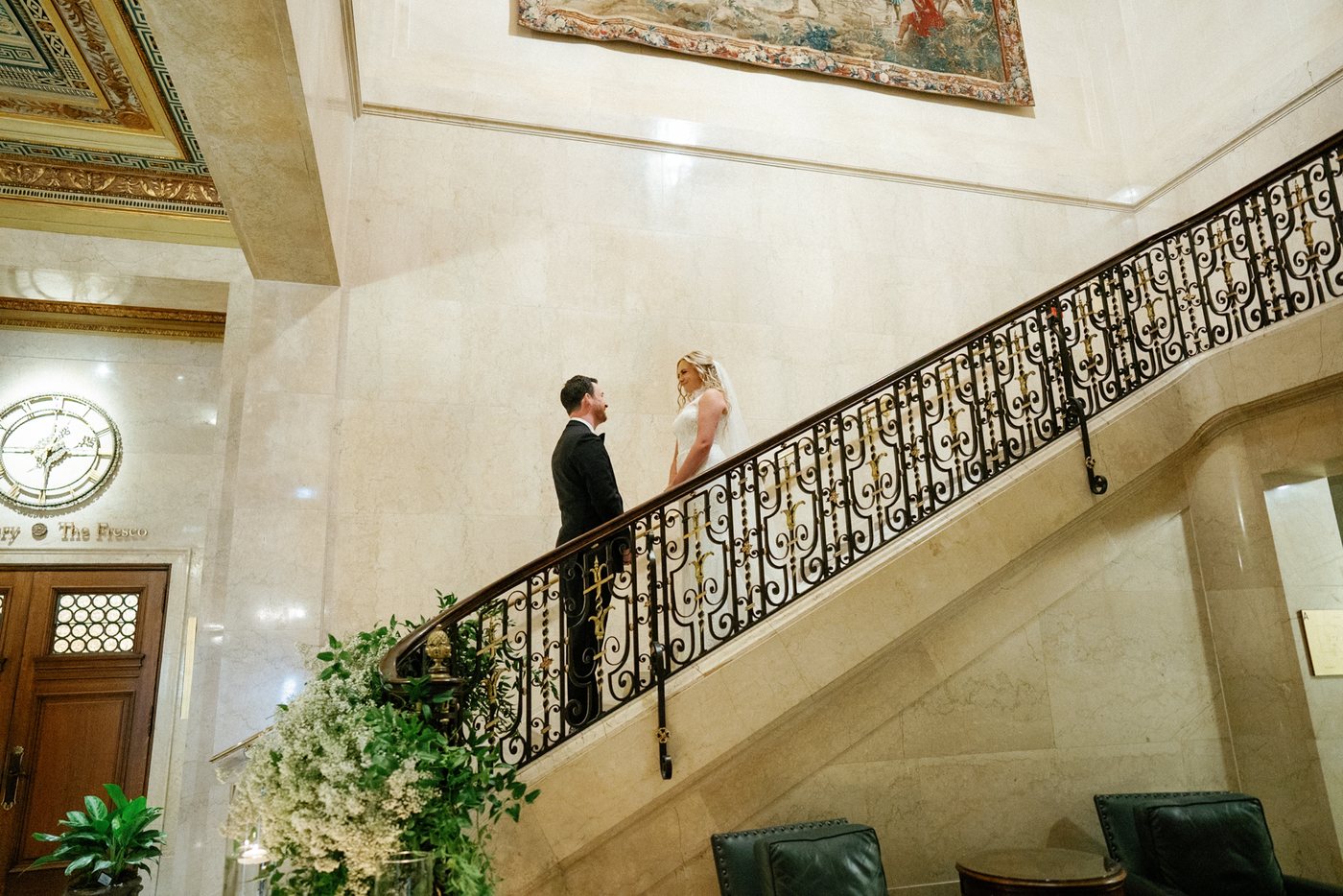
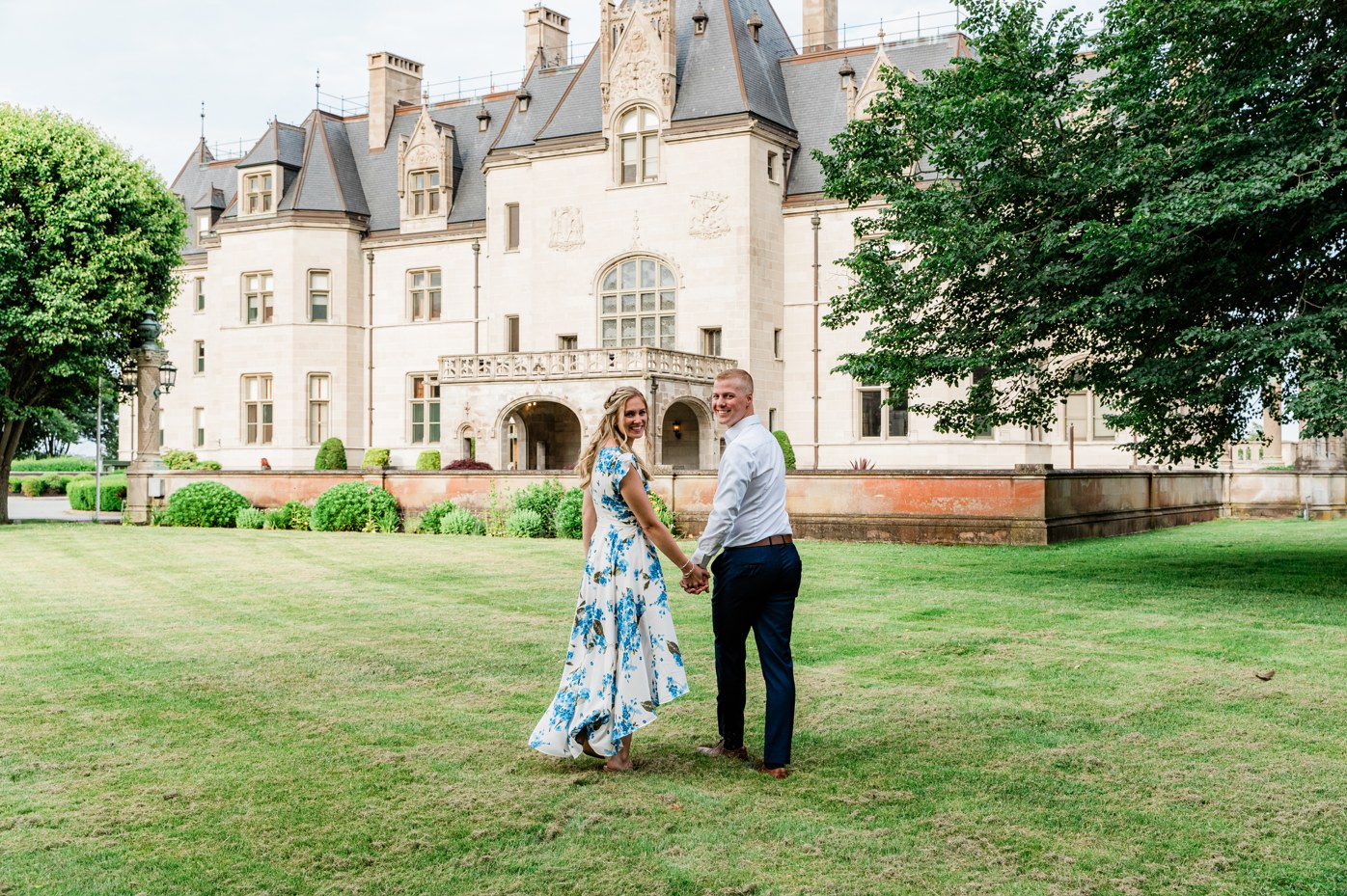
For a ten-photo trial, avoid choosing ten similar portraits from the same location. Include different lighting conditions and the situations you most often need help with. Here is a starting selection; adapt it to your weddings.
- Two daylight portraits, including different skin tones where possible.
- Two backlit photographs: one close portrait and one wider scene.
- Two indoor photographs, such as window light and a ceremony interior.
- Two reception photographs, including flash or mixed light if you use them.
- Two adjacent frames from one sequence, to check whether the edit stays consistent.
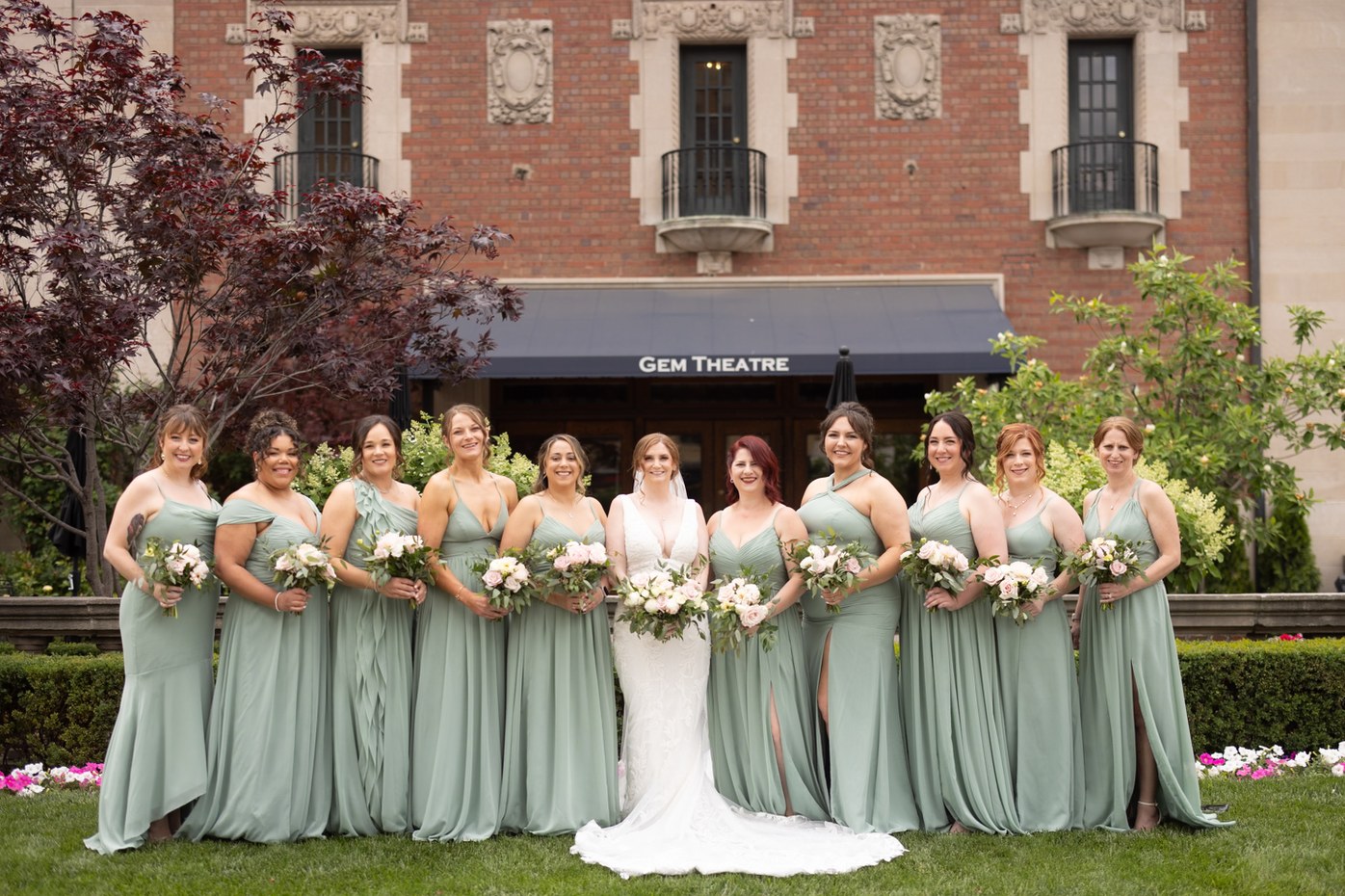
Include a group photograph if keeping skin tones consistent across a wedding party is important to you. A difficult photograph is helpful when you also explain what you consider an acceptable result.
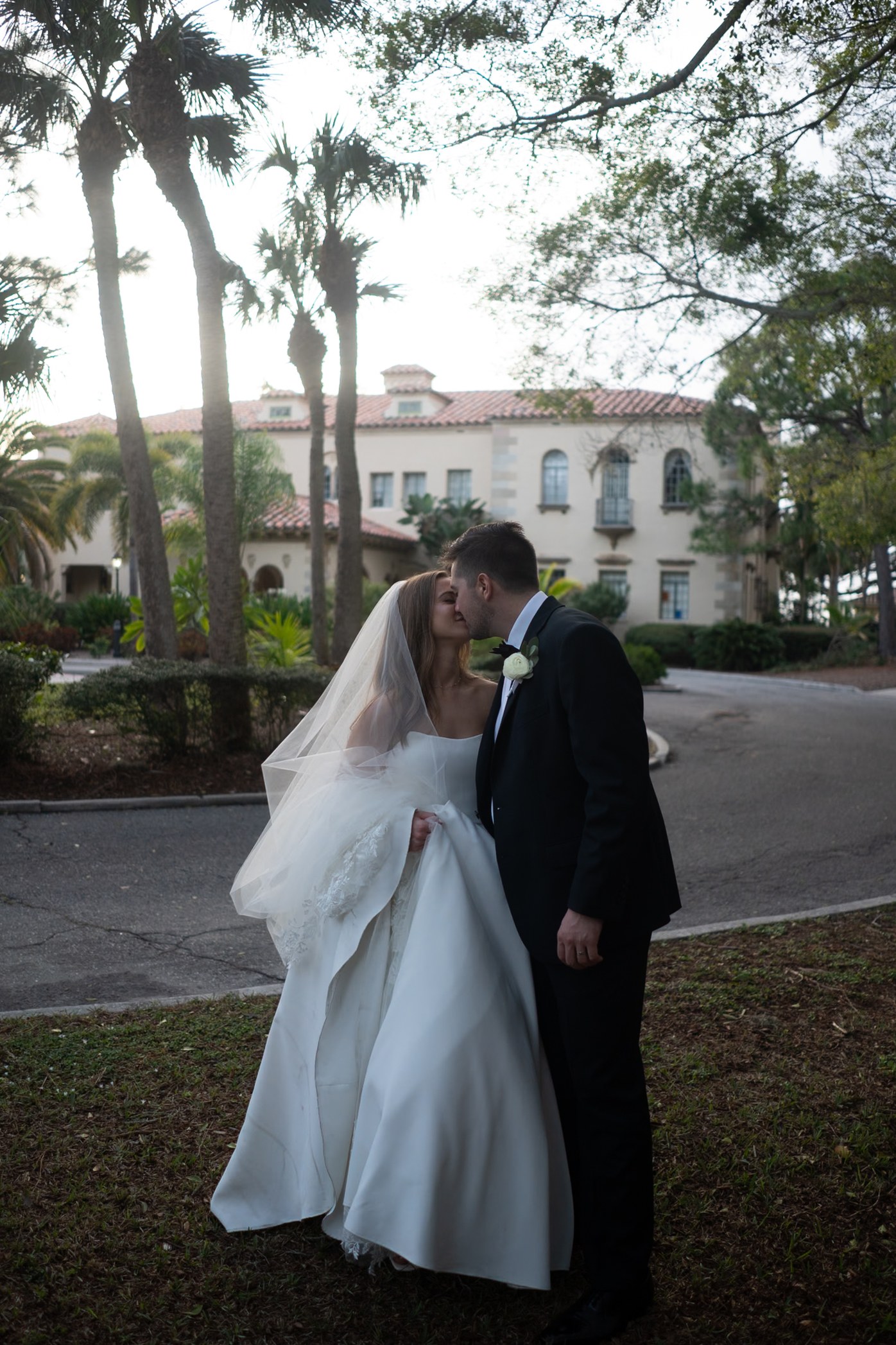
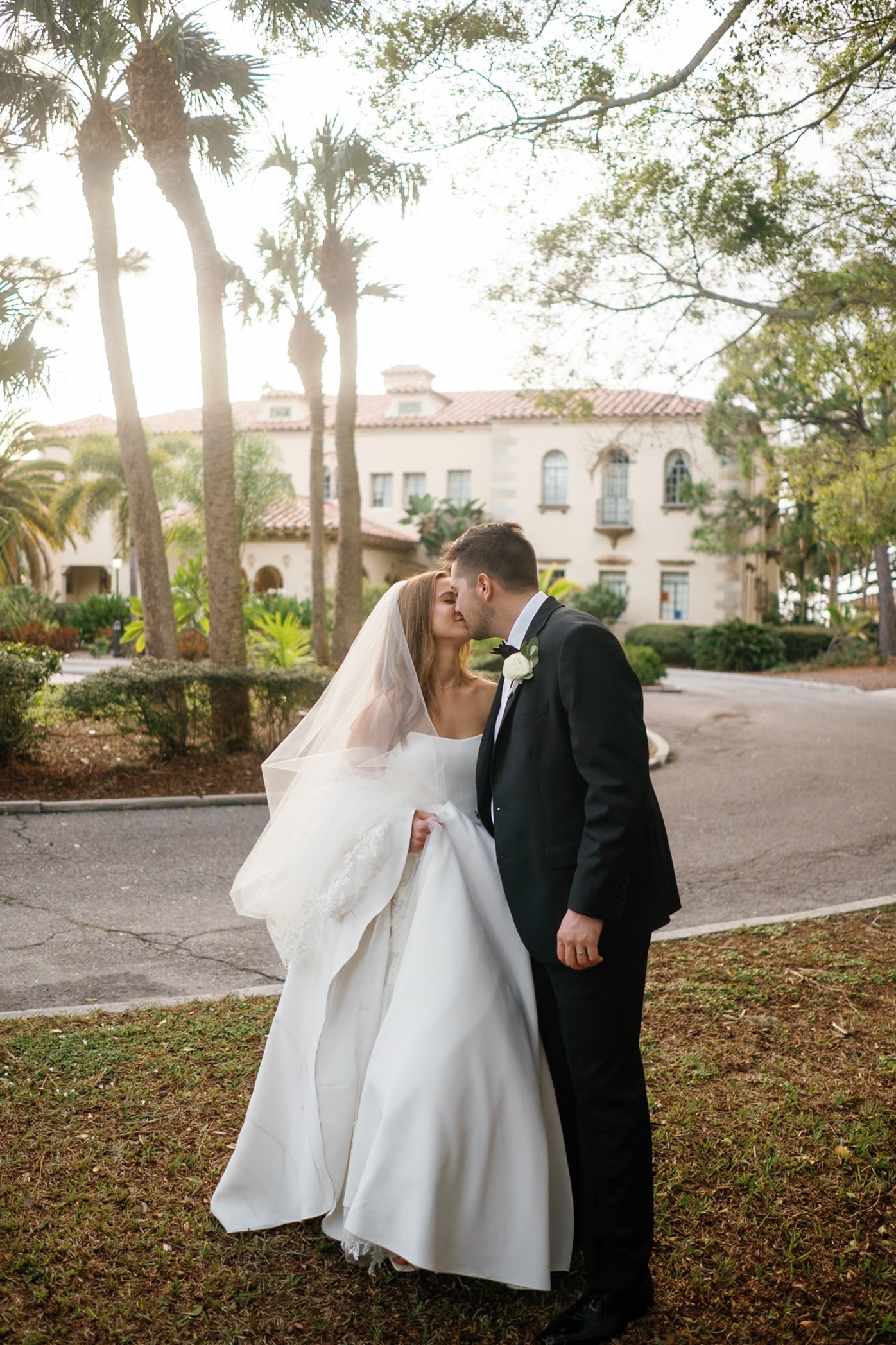
Send your intended finish, not just a preset name
Provide your own completed reference edits. Explain how you handle daylight, window light and receptions, especially where your preferences change. If you use Goodlight, TAP or another preset or profile, include the exact version and your usual adjustments where available.
A preset can establish a starting point. Your reference photographs explain the finished look: how warm skin should feel, how much contrast belongs in a dark suit, and whether reception lighting should retain its warmth. Tell the editor which parts of your composition should stay untouched.
Review the result as a small gallery
Start with the photographs together, rather than zooming into one file. Does the set feel like your work? Do similar scenes have a coherent brightness and color balance? Consistency should preserve the differences between locations; a candlelit reception does not need to look like a daylight portrait.
Then inspect the details. Check skin separately from the room around it. Look at the wedding dress, shirt, dark suits and flowers. A brighter edit is only useful if it supports your preferred finish and retains the details that matter.
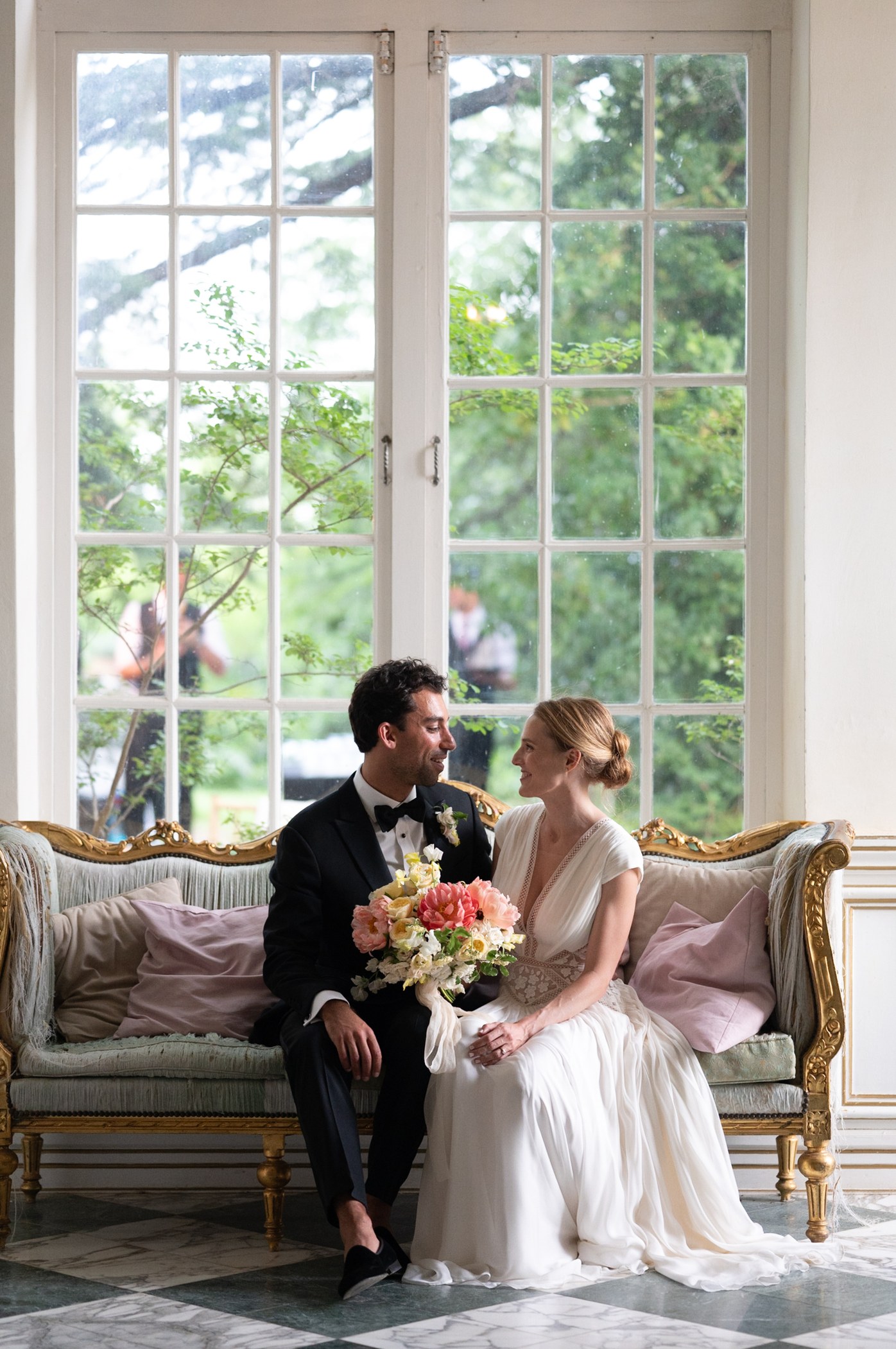
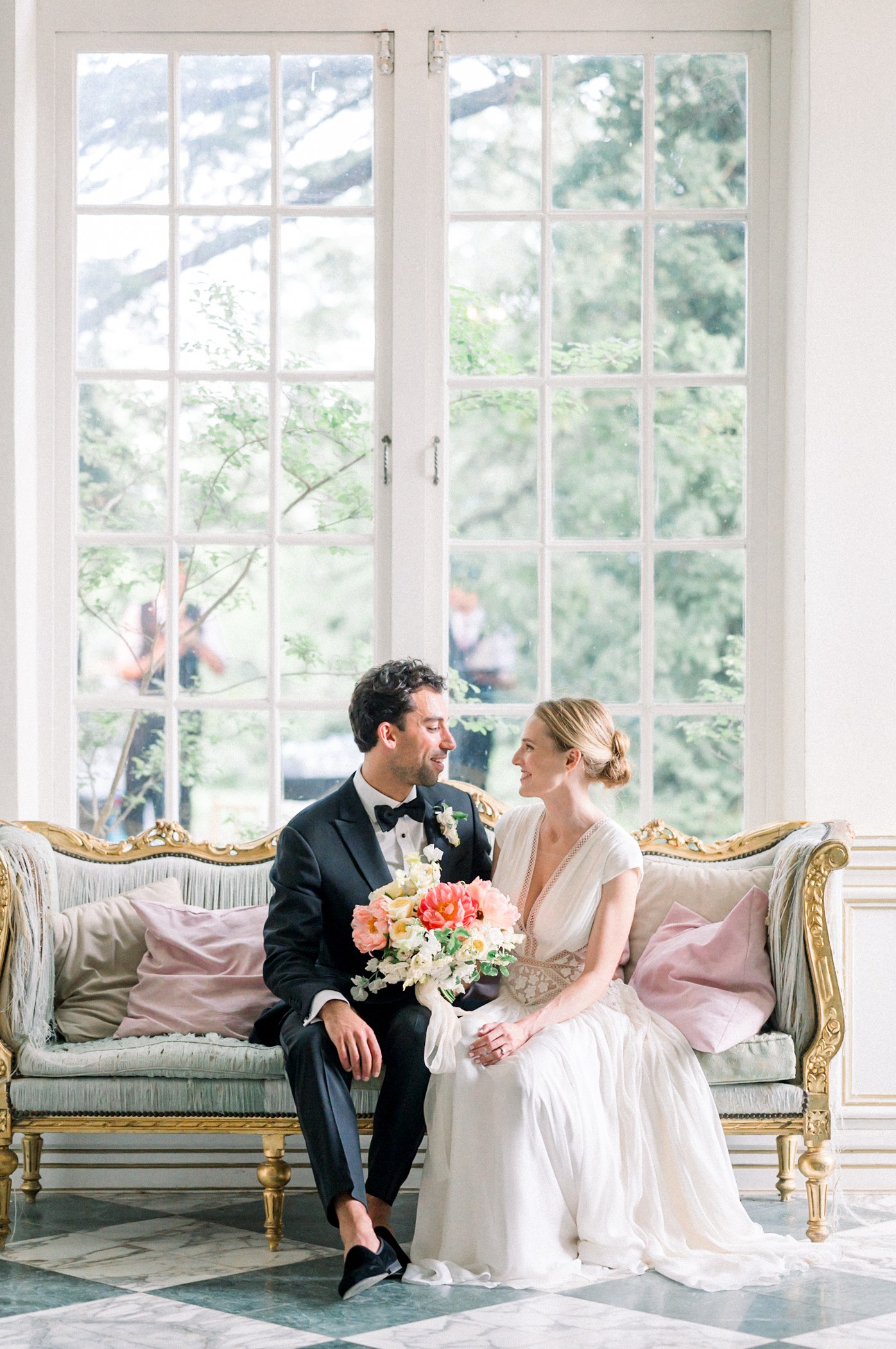
Give feedback that can guide the next gallery
Describe the pattern you see and point to a reference. “The indoor skin tones are warmer than my reference; please bring them closer to the daylight portrait” gives an editor a usable direction. “Make everything lighter” may change photographs that were already right.
Keep the first feedback round focused on the decisions that affect the whole set. Separate color and exposure preferences from cropping, retouching or image selection, so that the scope of the next order is clear.
Use the trial as a first step, not proof of a full wedding
Ten photographs cannot demonstrate consistency across an entire wedding or delivery during your busiest month. Before moving several galleries at once, agree on the editing scope, delivery window, reference material and feedback process. Review the first full gallery before expanding the workload.
The useful measure is the time you spend reviewing and correcting the returned work, alongside whether you are comfortable delivering it under your own name. No trial can promise that every future gallery will need the same amount of review.
What you receive in an InPix trial
InPix offers up to ten free sample edits within three business days. Send separate RAW photographs or a Lightroom catalog with Smart Previews, together with reference edits and style notes. Separate RAW submissions return as edited JPEGs; a catalog submission returns as an edited Lightroom catalog.
Our approach is personal editing guided by your style. The purpose of the trial is to see whether that approach suits your photographs before you place an order.
Spend Less Time in Lightroom & More Time Behind the Camera
InPix.Me pairs you with a dedicated human colorist to match your film scans or apply your favorite presets for just $0.20 per image.
See our before-and-after wedding editing samples and editing services and prices to plan your next gallery.