01
Lightroom Classic shooters
If your galleries are built in Lightroom Classic, the finished work comes back in a catalog, as non-destructive adjustments you can still change.

Send a Lightroom Classic catalog with Smart Previews. Your personal editor edits it by hand and returns a finished catalog, ready to reconnect to your RAW files and export.
The edit happens inside your own catalog, so the result stays editable and fits the way you already work.
If your galleries are built in Lightroom Classic, the finished work comes back in a catalog, as non-destructive adjustments you can still change.
Hand the grading of a wedding to someone else and use the time for shooting, clients or rest.
Your assigned personal editor learns your references and preferences, so each wedding is edited against the same profile.
We work with wedding and portrait photographers no matter where they are based, and send an email invoice with international payment options.
In Lightroom Classic, select the photos for the wedding, build Smart Previews, export them as a catalog and compress it into a .zip archive. Our guide to Smart Previews in Lightroom Classic shows how.
Drop the archive into the uploader on the Send Your Photos page and submit the order form, with reference images, presets and notes about your style.
Your assigned editor works image by image inside the catalog: color, exposure, highlights, shadows, noise reduction and sharpening, to your specifications.
Within 5-7 business days, or faster with a priority tier, you receive a completed Lightroom catalog. Reconnect it to your master RAW folder and export. Client Care revisions cost $0.
Each comparison shows the same photograph before and after editing. See more on the Samples page.
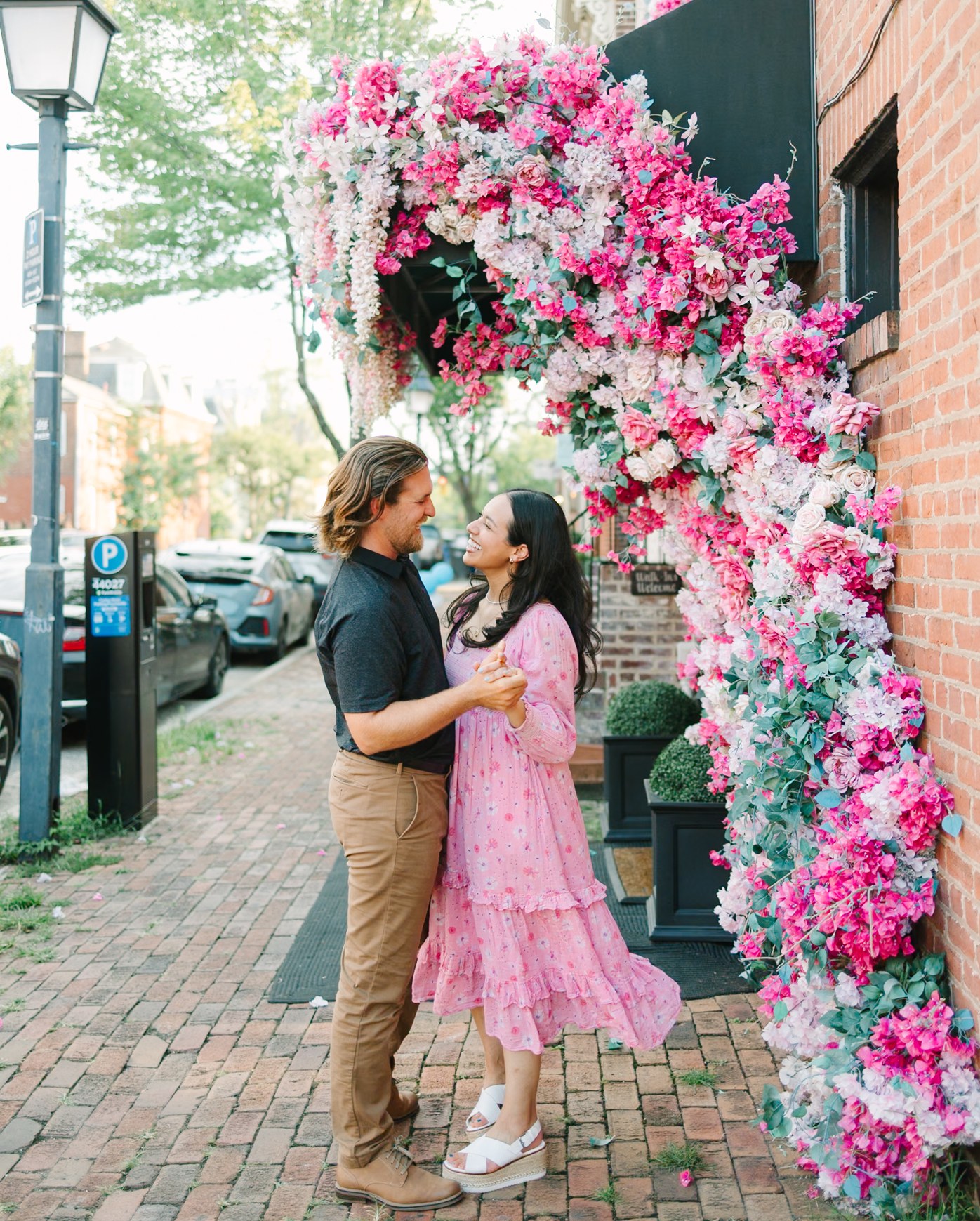
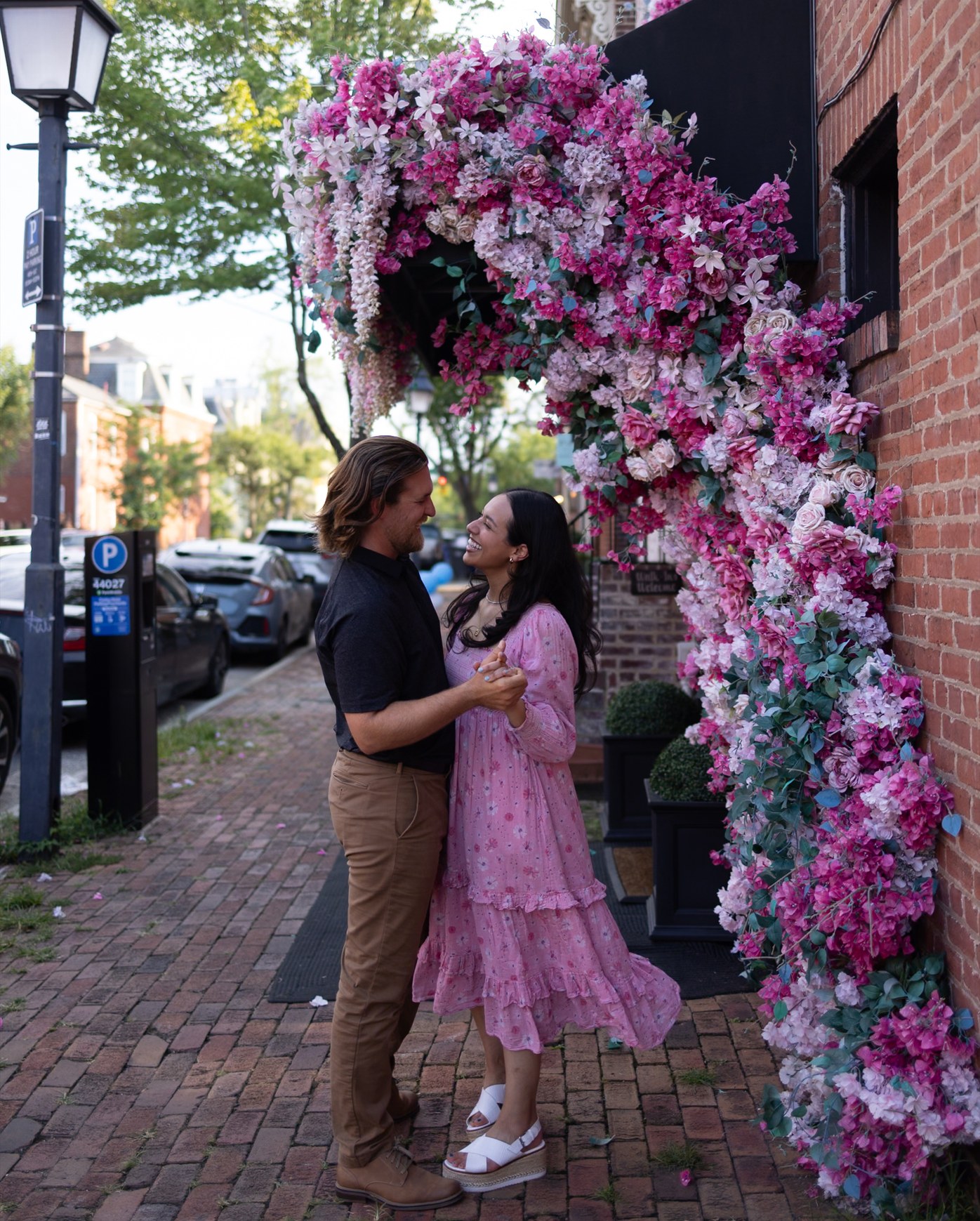
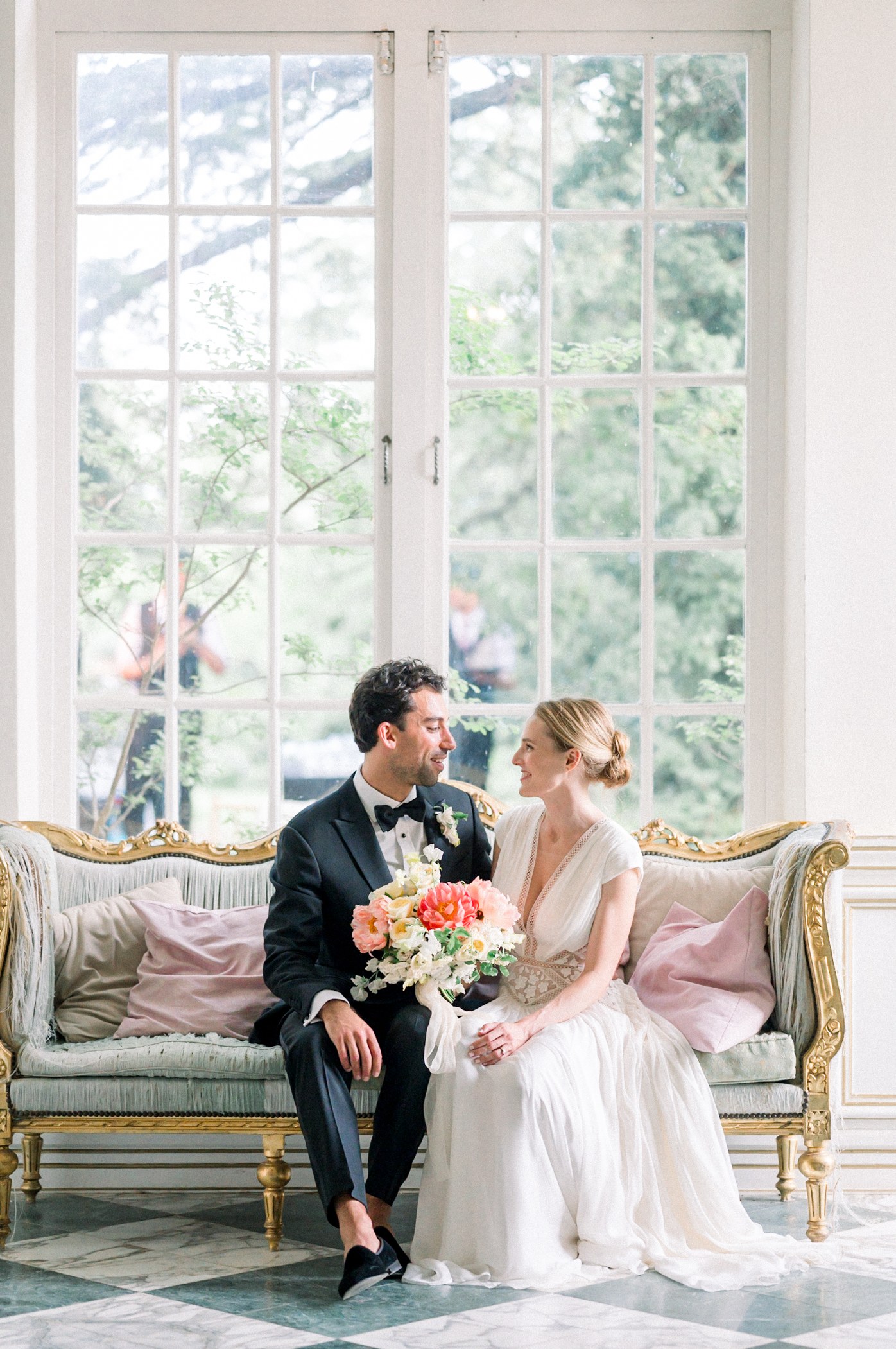
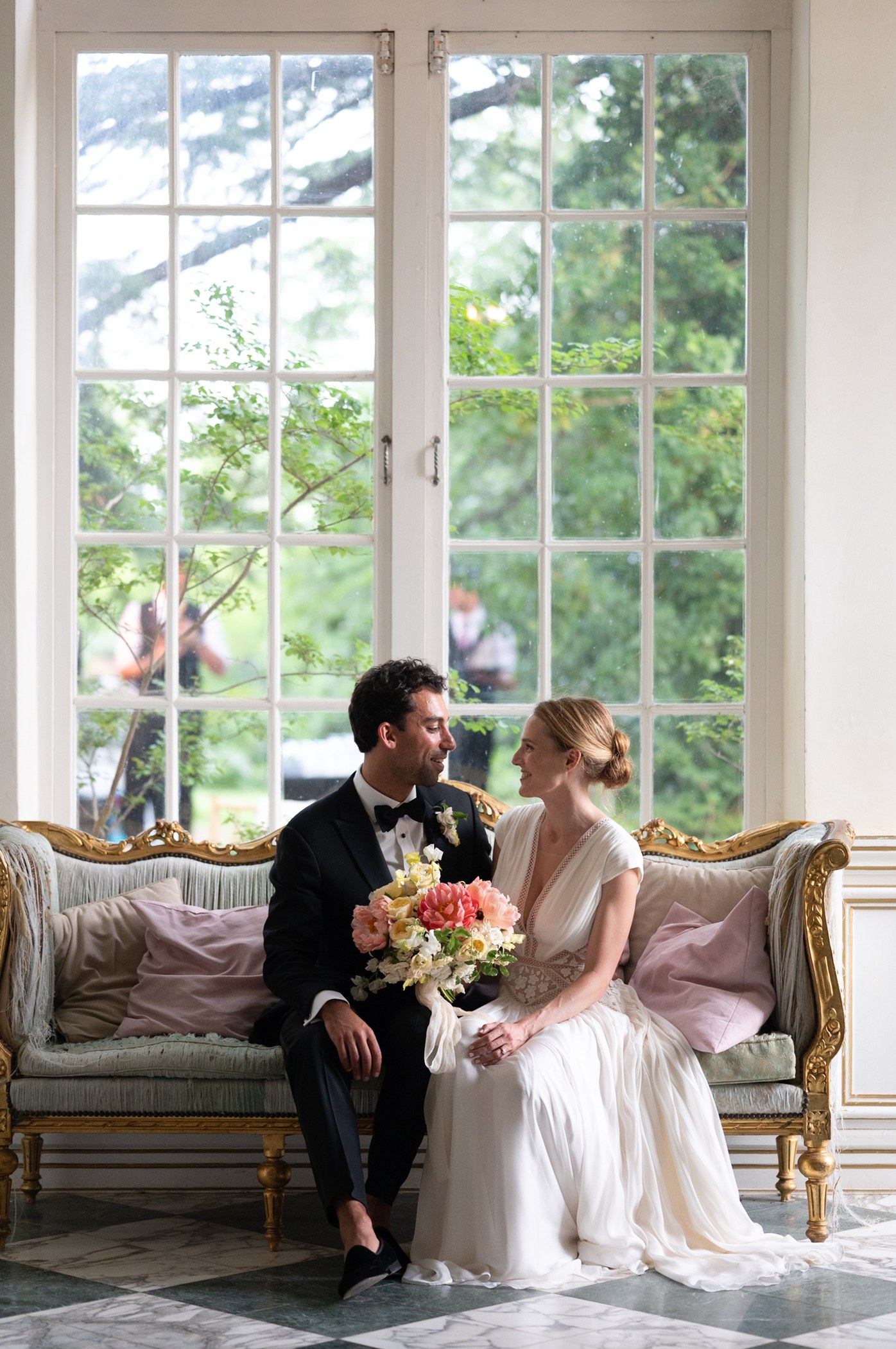
No subscriptions and no contracts. Client Care and revisions are always $0. The full list is on the Services & Pricing page, and the Editing Time Calculator estimates a year of weddings.
Full manual adjustment of Temperature + Tint, Exposure, Contrast, Highlight recovery, Shadows, White and Black clipping, Noise reduction and Sharpening, to your specifications. Example: 500 images = $100.
Image selection and culling is $0.04 per input image. Basic skin retouch and precision cropping are $0.07 per image each.
The minimum order is 50 images ($10). Standard turnaround is 5-7 business days. Priority tiers add 30% (5 days), 60% (4 days), 70% (3 days) or 100% (2 days) to the order price.
Unlimited one-on-one consultations, custom profile calibration and revisions at no additional cost.
Prepare a catalog with Smart Previews in Lightroom Classic, compress it into a .zip archive, drop it into the uploader on the Send Your Photos page and submit the order form.
A completed Lightroom catalog (.lrcat). Open it, reconnect to your master RAW folder, and the non-destructive adjustments are ready for immediate export.
Orders use the Smart Previews workflow, so no RAW file transfer is required. The Free Trial also accepts up to 10 RAW photos if you prefer to send those instead of a catalog.
Yes. Send up to 10 RAW photos or a Lightroom catalog with Smart Previews, along with your reference edits. You receive the result within 3 business days: edited JPEGs for RAW photos, or an edited Lightroom catalog for a catalog. Start on the Free Trial page.
Color grading is $0.20 per image and the minimum order is 50 images ($10). Standard turnaround is 5-7 business days. Priority turnaround is available: 5 days (+30%), 4 days (+60%), 3 days (+70%) or 2 days (+100%), calculated on the order price.
Yes. They are optional add-ons performed manually by your personal editor inside your Lightroom Classic catalog: culling $0.04 per input image, basic skin retouch $0.07 per image, crop and straighten $0.07 per image.
Why the workflow lets you edit without the original files.
The reasoning behind the catalog workflow.
Choose 10 photos and review the result before sending a full gallery.
Estimate your editing hours and the InPix.Me cost for a year of weddings.
Try up to 10 photos or a Lightroom catalog for free, returned within 3 business days.