The Pain of Slow Culling
Culling-the process of selecting the best images from a massive shoot-is often cited as the most tedious and dreaded part of being a wedding photographer. After shooting a 10-hour wedding and returning home with 4,000 RAW files, the last thing you want to do is sit down and review every single frame.
However, culling doesn't have to be a multi-day nightmare. By optimizing your workflow and embracing modern technology, you can cull a full wedding in under two hours. Here’s how to drastically speed up your photo culling process in 2026.
1. Stop Culling in Lightroom Classic
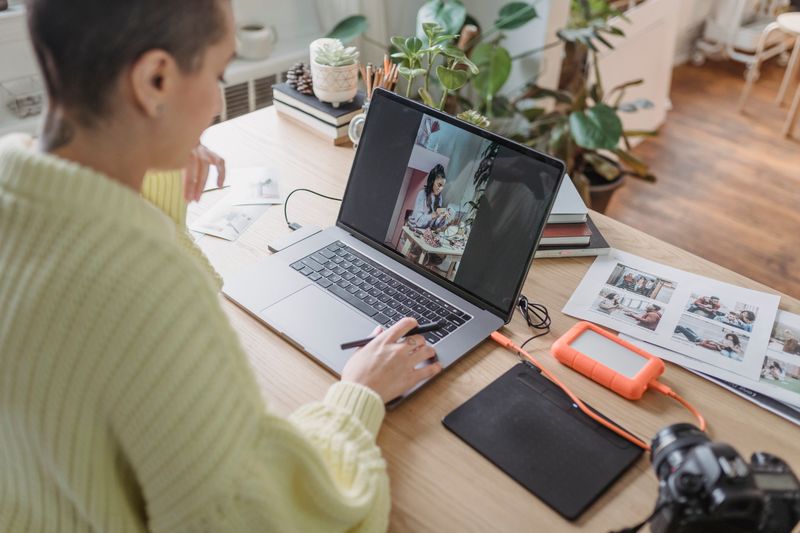
If you are importing 4,000 RAW files into Adobe Lightroom Classic and waiting for the previews to render as you scroll, you are wasting hours of your life. Lightroom is an incredible editing tool, but it is notoriously sluggish for initial culling.
The Fix: Use a dedicated culling software like Photo Mechanic. Programs like this don't render the RAW file; instead, they read the embedded JPEG preview that your camera generates. This allows you to flip through images instantly, with zero lag. Once you've made your selections, you only import the "keepers" into Lightroom.

2. Cull In (Not Out)
Many photographers cull by looking at every photo and deciding if it should be rejected. This is a negative workflow that forces you to evaluate bad photos.
The Fix: "Cull In." Instead of marking photos for deletion, quickly scroll through the gallery and only flag the photos you want to keep. When you see a sequence of 10 photos from the first kiss, don't reject 9 of them. Just find the absolute best one, tag it, and move on immediately.
3. Be Wary of AI Culling Assistants
In 2026, artificial intelligence has flooded the market with promises of instant culling. Software claims to group duplicate shots, detect closed eyes, and evaluate focus sharpness automatically.
The Reality: Relying on AI for culling is often a game of roulette. AI doesn't understand emotion, the subtle glance of a bride's mother, or the creative blur of an intentional artistic shot. It routinely deletes emotional gold because it was slightly underexposed or out of focus. If you want 100% predictable, safe, and emotionally intelligent culling, handing your photos to human professionals at InPix is the only way to guarantee your story isn't ruined by an algorithm.
4. Learn Your Keyboard Shortcuts
Moving your mouse to click a star rating or a flag icon is incredibly inefficient. Over the course of thousands of photos, those micro-movements add up to hours.
The Fix: Keep your hands on the keyboard. Use the arrow keys to navigate and numeric keys (1-5) to rate, or the P/X keys to flag. Better yet, map your most used keys to a gaming mouse or a dedicated editing console. Once you build muscle memory, you'll fly through galleries.
5. Embrace the "Two-Pass" Method
Trying to make the final, perfect selection on your very first pass usually leads to decision fatigue. You'll end up staring at two identical photos for five minutes, trying to decide which smile is 1% better.
The Fix: Do a rapid "gut instinct" first pass. If an image makes you feel something, keep it. Don't worry about duplicates yet. Once you've narrowed the 4,000 images down to 800, do a second, slower pass to refine the selection, weed out the near-duplicates, and ensure you have a cohesive narrative.
The Ultimate Hack: Let InPix Do It For You
You can optimize your workflow, memorize shortcuts, and battle with unpredictable AI tools-or you can completely remove culling and editing from your plate. At InPix, our expert team doesn't just cull; we understand the emotional weight of your photography. We deliver perfectly curated, flawlessly color-corrected galleries predictably and consistently. Send us your RAW files, reclaim your weekends, and let us show you why the human touch at InPix always beats the machine.
Spend Less Time in Lightroom & More Time Behind the Camera
InPix.Me pairs you with a dedicated human colorist to match your film scans or apply your favorite presets for just $0.20 per image.
See our before-and-after wedding editing samples and editing services and prices to plan your next gallery.